Friskription → Blog → YouTube
How to translate a YouTube livestream in real time
YouTube can translate subtitles it already has. The interesting question is what to do on the streams where it has none — which is most lives, most premieres and a surprising share of ordinary uploads.
The short answer
- Check the subtitle menu first. If there is a caption track, YouTube's own auto-translate is free and instant: the gear icon, then Subtitles, then Auto-translate, then your language.
- If the menu is empty, auto-translate cannot help. It translates existing captions; it does not create them. Live streams frequently have none, and automatic captions are only generated for a limited set of spoken languages.
- The way through is to transcribe the audio. Friskription listens to the tab, transcribes the speech and draws the translation over the video.
- That also fixes the quality ceiling: auto-translate inherits every mistake the automatic captions made, including every misheard name.
- Thirty minutes a week are free. It works on lives, premieres, uploads, shorts and anything else that plays sound in a tab.
Try YouTube's own translation first
It is free, it is already installed, and on a video that has captions it is the right answer. In the player: the gear icon → Subtitles/CC → Auto-translate → your language. On a phone the same options live under the three-dot menu.
If Auto-translate is missing or greyed out, that is the tell: this video has no caption track, and there is nothing for the feature to translate. It is not broken and there is no setting that will bring it back.
Why so many streams have no captions
Three separate reasons, and it is useful to know which one you have hit.
- The spoken language is not auto-captioned. YouTube generates automatic captions for a limited set of languages. A stream in one outside that set gets no track at all, and never will.
- It is live. Live automatic captions are available in fewer situations than recorded ones, and depend on channel and stream settings. Plenty of lives run with nothing.
- The creator turned them off. Captions can be disabled per video, and some channels do.
There is also a quieter problem on the videos that do have captions. Auto-translate reads the automatic caption track and translates it, so any word the captions got wrong is translated wrong, confidently, into your language. Names take the worst of this: a misheard name becomes a translated misheard name, and you have no way of telling from the subtitle that anything went astray.
Translating a stream that has no captions
-
Add the extension and sign in
Install Friskription from the Chrome Web Store and sign in with Google. Thirty minutes of live subtitles a week are free, refilled every Monday, with no card and no AI provider accounts.
-
Pick your language
English, Japanese, Chinese, Korean, Spanish, French, German, Portuguese, Russian, Arabic, Hindi, Italian, Vietnamese, Thai or Indonesian. The spoken language is detected, so a stream that switches languages part-way is handled without you doing anything.
-
Press start on the tab that is playing
Subtitles are drawn over the video within a few seconds. Drag the box out of the way of anything important, set the size once, and both stick for that site.
-
Tune the pacing if the stream is fast
Quick, Balanced and Precise trade how complete each line is against how soon it lands. On a lecture or a long-form talk, Precise reads much better; on a fast reaction stream, Quick keeps up.
Recorded videos are a different problem
Nothing above needs to be live. If what you want is a subtitle file — an SRT to keep, to hand to someone, or to upload alongside your own video — the live overlay is the wrong tool, because live subtitles are drawn and then gone.
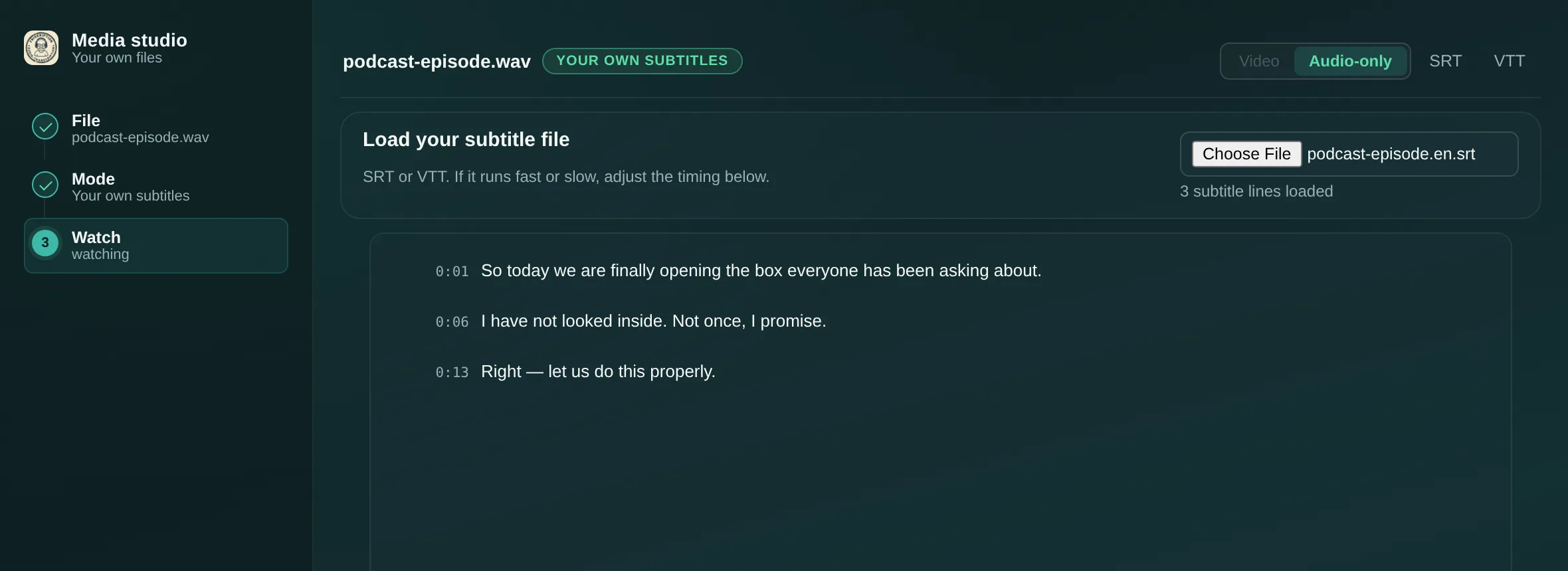
For a file you have on disk, the media studio is a web page that takes an MP4, WebM, MP3, M4A or WAV, reads it in the browser, and gives you back a downloadable SRT or VTT. The file itself never leaves your computer. There is a full walkthrough of it.
Questions
Why is auto-translate missing on this video?
Because the video has no caption track. Auto-translate translates captions that already exist; it cannot create them. This happens when the spoken language is not one YouTube auto-captions, when the stream is live, or when the creator has disabled captions.
Can YouTube translate a livestream automatically?
Only when the live stream carries a caption track, which many do not. Where there is no track, the only route to subtitles is transcribing the audio yourself with something that listens to the tab.
Is transcribing the audio better than auto-translate even when captions exist?
Usually not — if the captions are good, translating them is free and instant, and Friskription will use the page's own caption track when there is one. Transcribing is what you want when there are no captions, or when the automatic ones are clearly getting names and terms wrong.
Does this work on premieres and Shorts?
Yes. Anything playing sound in a Chrome tab can be subtitled — premieres, Shorts, ordinary uploads, live streams, and the same on other sites.
Can I download the subtitles afterwards?
The live overlay can export the session's transcript. For a proper subtitle file with timings, use the media studio on a file you have on disk — it produces SRT or VTT you can keep.
How much does it cost?
Thirty minutes of live subtitles every week are free and refill each Monday, with no card. Past that, one-time packs start at $1.99 for 90 minutes and run to $24.99 for 1,440. There is no subscription and minutes do not expire.
Does it use my YouTube account or affect the channel?
Neither. It reads the audio the tab is already playing and nothing else. Nothing is sent to YouTube, nothing appears in chat, and the creator has no way of knowing.
Subtitle the stream the menu could not
Thirty free minutes every week. No card, no AI accounts.
Add it to Chrome